Most teams do not have a documentation shortage.
They have a context shortage.
They have long Confluence pages nobody reads. Architecture diagrams that were accurate six releases ago. Technical approach docs buried in old tickets. README files that explain how the app worked before three migrations, two reorganizations, and one emergency rewrite.
Then AI enters the workflow, and everyone assumes the answer is obvious:
“Let’s have AI just generate new documentation.”
That sounds reasonable.
It is usually wrong.
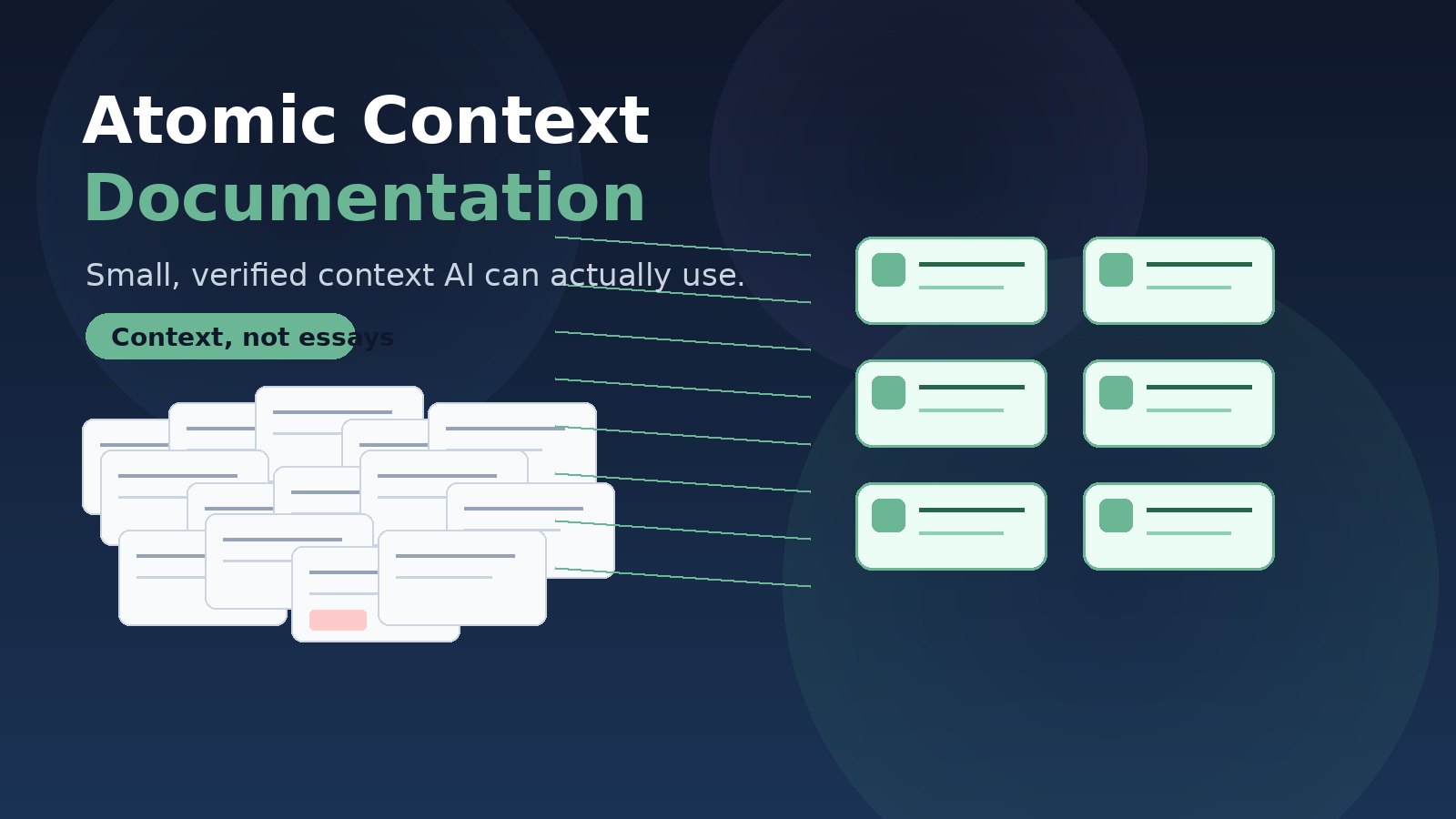
The future of code documentation is not long documents.
It is Atomic Context Documentation: smaller, sharper, verified context that helps developers and AI understand the system well enough to change it safely.
The Problem With Traditional Code Documentation
Most code documentation is written like someone expects a developer to sit down, open a page, and read it end to end.
That almost never happens.
A developer usually wants to know one of these things:
- Where does this feature start?
- What files are involved?
- What flags or config affect it?
- What are the risky areas of code?
- What tests matter?
- Can I safely change this?
AI needs the same things, only faster and with less tolerance for fluff and bloat.
A 40-page architecture overview may look impressive, but it is bad input for AI. It is too broad, too stale, too narrative, and too expensive to keep in context.
AI does not need a beautifully written essay about the codebase. It needs precise, current, retrievable context.
Documentation Has a New Reader
Documentation used to have one main audience: humans.
That is still true. Developers still need to understand the codebase, review changes, onboard faster, and avoid breaking hidden behavior.
But there is now a second reader: AI.
And that changes the job of documentation.
Developers are increasingly moving away from reading documentation in favor of asking AI those questions.
If the repo has no usable context, AI guesses.
If the repo has long, stale, bloated docs, AI wastes context, repeats outdated assumptions, or hallucinates.
If the repo has concise, verified Atomic Context Documentation, AI can produce better answers, better specs, safer plans, and more accurate code.
Traditional documentation helps humans read the system. ACD helps humans and AI work on the system.
Context Belongs Near the Code
Code documentation needs to stay close to the code because code changes constantly. If documentation lives outside the repo, it usually does not move through the same review process. It is not versioned with branches. It does not fail a build when it becomes stale. And AI tools working inside the repo may not see it unless someone manually provides the link.
That does not mean every document belongs in the repo. Confluence is fine for planning, meeting notes, stakeholder summaries, and team communication. But if a document affects how code is built, changed, tested, or understood, it probably belongs close to the code.
The Better Approach: Atomic Context Documentation
Instead of creating large human-readable documentation dumps, teams should consider creating Atomic Context Documentation.
ACD is concise, structured, code-adjacent documentation designed to help AI and developers understand and change the code safely.
It should still be human-reviewable. But it is optimized for retrieval, task execution, and verification — not casual reading.
A good ACD file answers practical questions:
- What is this slice of the app?
- Where are the entry points?
- What files matter?
- What routes, APIs, stores, flags, and tests are involved?
- What behavior is verified vs. inferred?
- What should AI avoid changing casually?
What Atomic Context Documentation Looks Like
ACD does not have to be limited to feature-level notes.
It can include any small, verified, code-adjacent context that helps AI and developers understand how the system actually works.
Good candidates include:
- Architecture maps — major system boundaries, dependencies, integration points, and ownership areas
- Codebase maps — where important application source areas live and how they connect
- Feature or flow docs — entry points, files, routes, APIs, stores, tests, and known behavior
- Risk maps — fragile areas, legacy traps, hidden coupling, migration hazards, and “do not casually change” zones
- Testing guides — test infrastructure, useful test commands, coverage gaps, flaky tests, and required regression areas
- API and service maps — clients, service boundaries, backend contracts, mocks, tooling, and shared packages
- Config and feature flag maps — flags, environment settings, rollout behavior, defaults, and customer-specific variation
- UI pattern docs — reusable layout rules, accessibility expectations, interaction patterns, and design-system constraints
The key is that each document stays atomic: focused on one useful area, tied to current code, and small enough for AI to retrieve without dragging an entire documentation archive into context.
A good ACD file should usually answer a few practical questions:
- What slice of the system does this cover?
- Where does the flow start?
- What files, routes, APIs, flags, stores, or tests matter?
- What behavior is verified?
- What is still uncertain?
- What should AI avoid changing casually?
The point is not to explain everything. The point is to give AI and developers enough verified context to make a safer next move.
Weak documentation says:
This feature uses permissions and feature flags.
Atomic Context Documentation says:
Relevant checks:
- permission helper: `src/security/customerPermissions.js`
- feature flag: `enableCustomerSearchV2`
- API client: `src/api/customerSearchClient.js`
- tests: `customerSearch.spec.jsx`
AI can search these names. A developer can verify them. The doc points to evidence instead of making unsupported claims.
Narrow docs are easier to update and easier for AI to load selectively.
A Useful File Structure
docs/ai-context/
  current verified repo knowledge:
  codebase maps, slice docs, route maps, API maps,
  feature flag maps, risky areas, testing guidance

docs/technical-approaches/
  plans, proposals, tradeoffs, and migration approaches
That separation matters. AI should not confuse an old proposal with current behavior.
Practical Rules
Use these rules when creating Atomic Context Documentation:
- Write for code tasks, not passive reading.
- Keep documents small and focused.
- Link claims to real files, tests, flags, routes, APIs, and config.
- Prefer current verified behavior over historical explanation.
- Mark uncertainty instead of guessing.
- Useful labels: verified, inferred, needs verification
- Update docs when code changes affect documented behavior.
- Keep implementation-relevant docs in the repo when possible.
- Use Confluence for communication and planning, not as the source of truth for code behavior.
- Review documentation changes through the same pull request workflow as code changes.
- Treat repo docs as versioned context that evolves with the branch.
- Do not load every doc into AI context every time.
- Start with maps, then load the relevant slice docs.
- Treat code as the source of truth when docs and code disagree.
- Avoid broad documentation rewrites unless explicitly needed.
The Real Benefit
The value is not better documentation, but better AI-assisted development.
Better context leads to:
- Better answers to developer questions
- Better implementation plans and specs
- Safer code changes with fewer hallucinated assumptions
- Faster onboarding
- Less repeated discovery work
- Documentation that stays versioned with the branch
Traditional documentation often tries to explain everything. Atomic Context Documentation tries to explain the next useful thing accurately.
That is a better fit for how developers actually work.
Final Thought
The future of code documentation is probably not longer documents.
It is smaller, sharper, verified context.
If your team is adopting AI for development, do not start by asking, “How do we generate more documentation?”
Ask:
What context would AI need to safely answer questions about this code, write a useful spec, or make a safe change?
Start with one slice. Map the entry points, files, flags, risks, and tests. Label the unknowns. Keep it short.
That is how documentation becomes useful again.